 LocalRec
Every space on one page
Your fields, courts and rooms are listed with photos, hourly prices, opening hours and your cancellation policy. Customers choose one and see its open times.
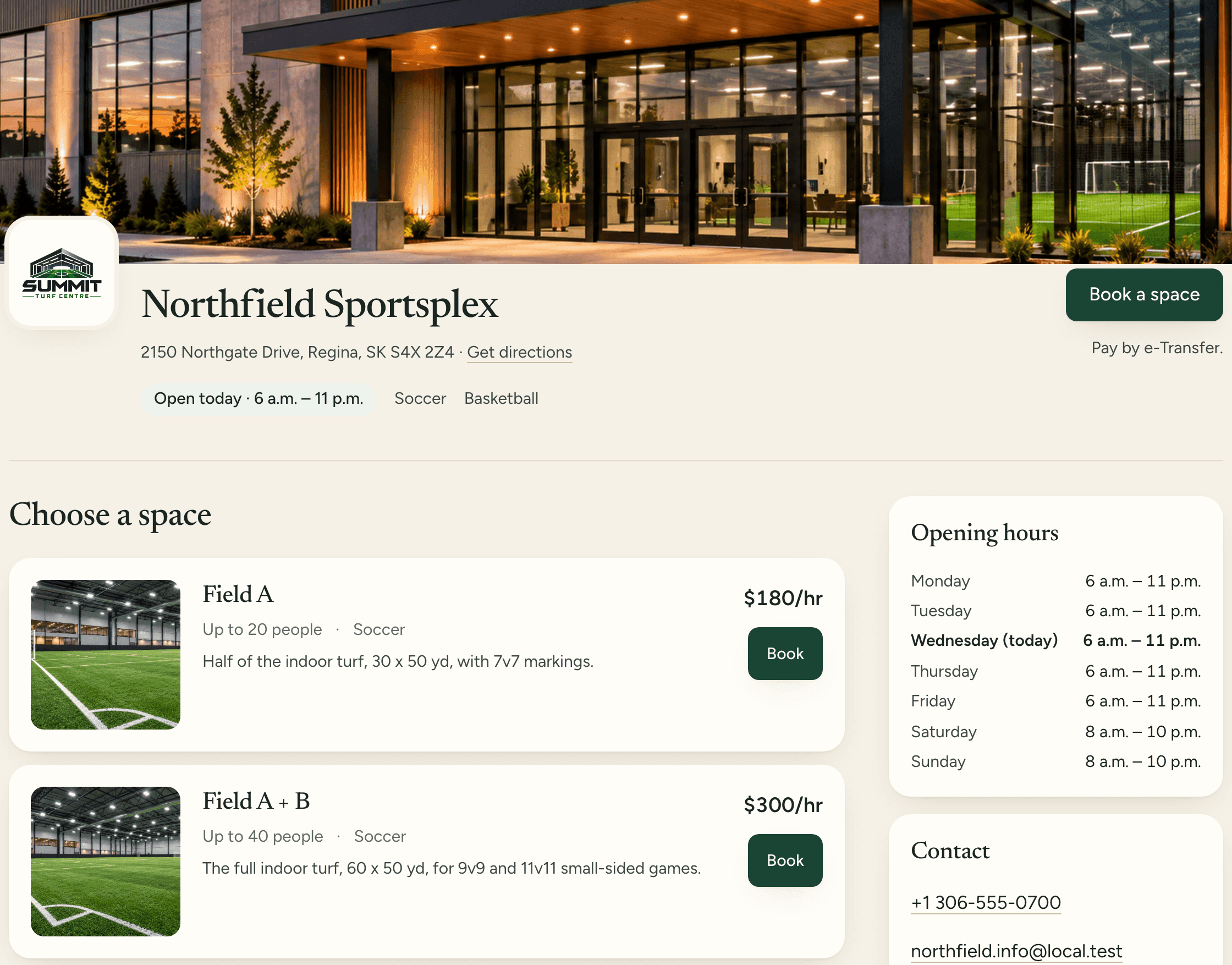
Customers book your spaces any time, from one page that shows what's open and what it costs.
Your fields, courts and rooms are listed with photos, hourly prices, opening hours and your cancellation policy. Customers choose one and see its open times.
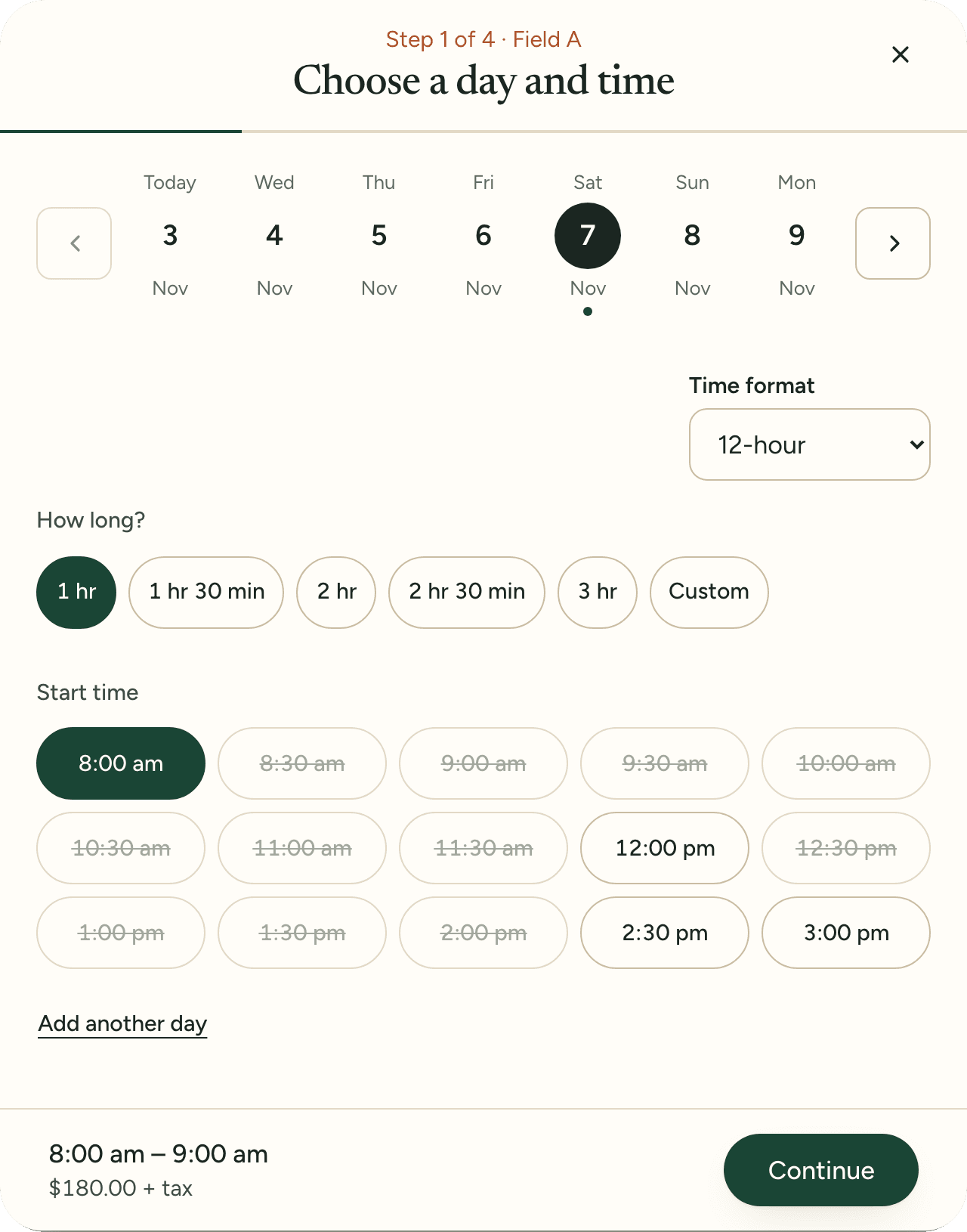
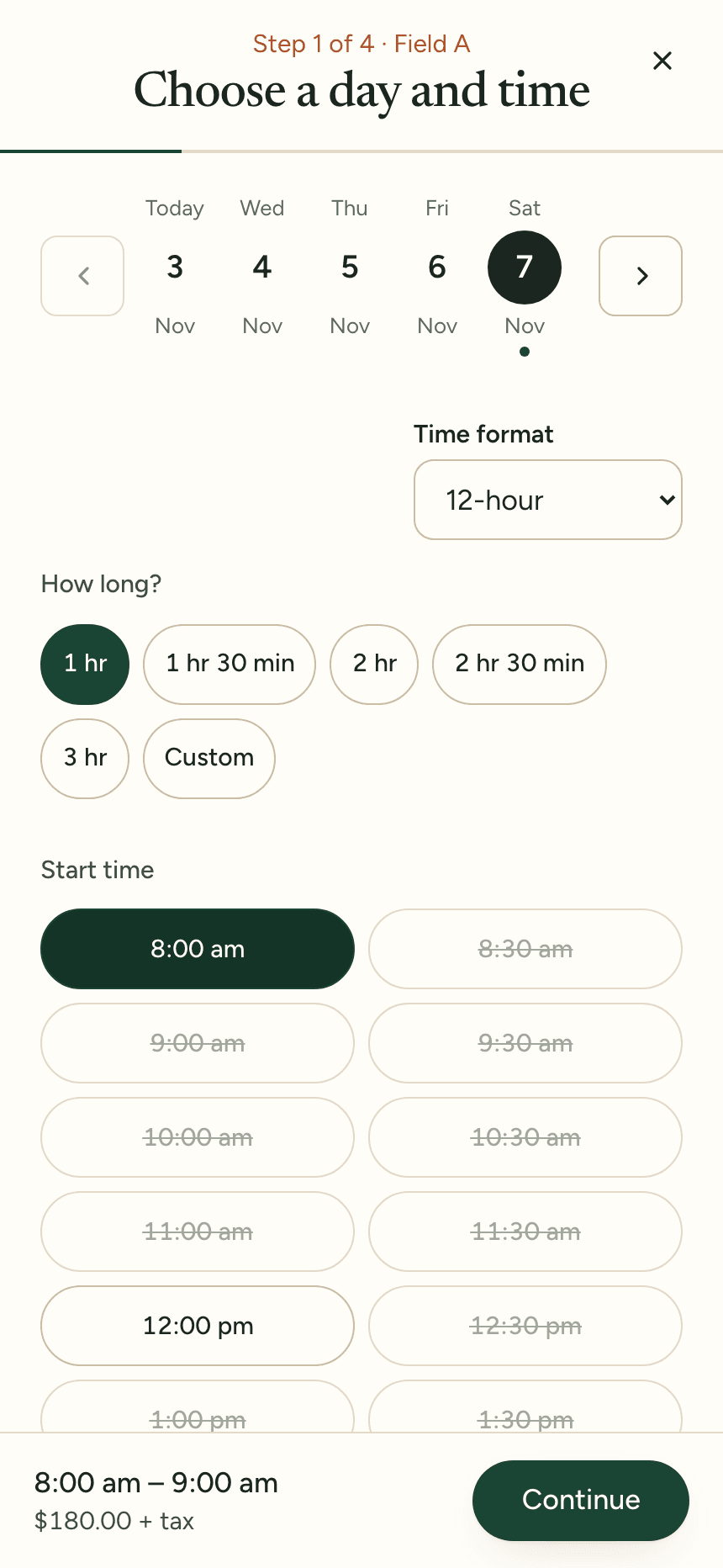
Customers choose a day, a length and a start time. Taken times are struck out, the price shows before they continue, and they confirm with a code sent to their email.
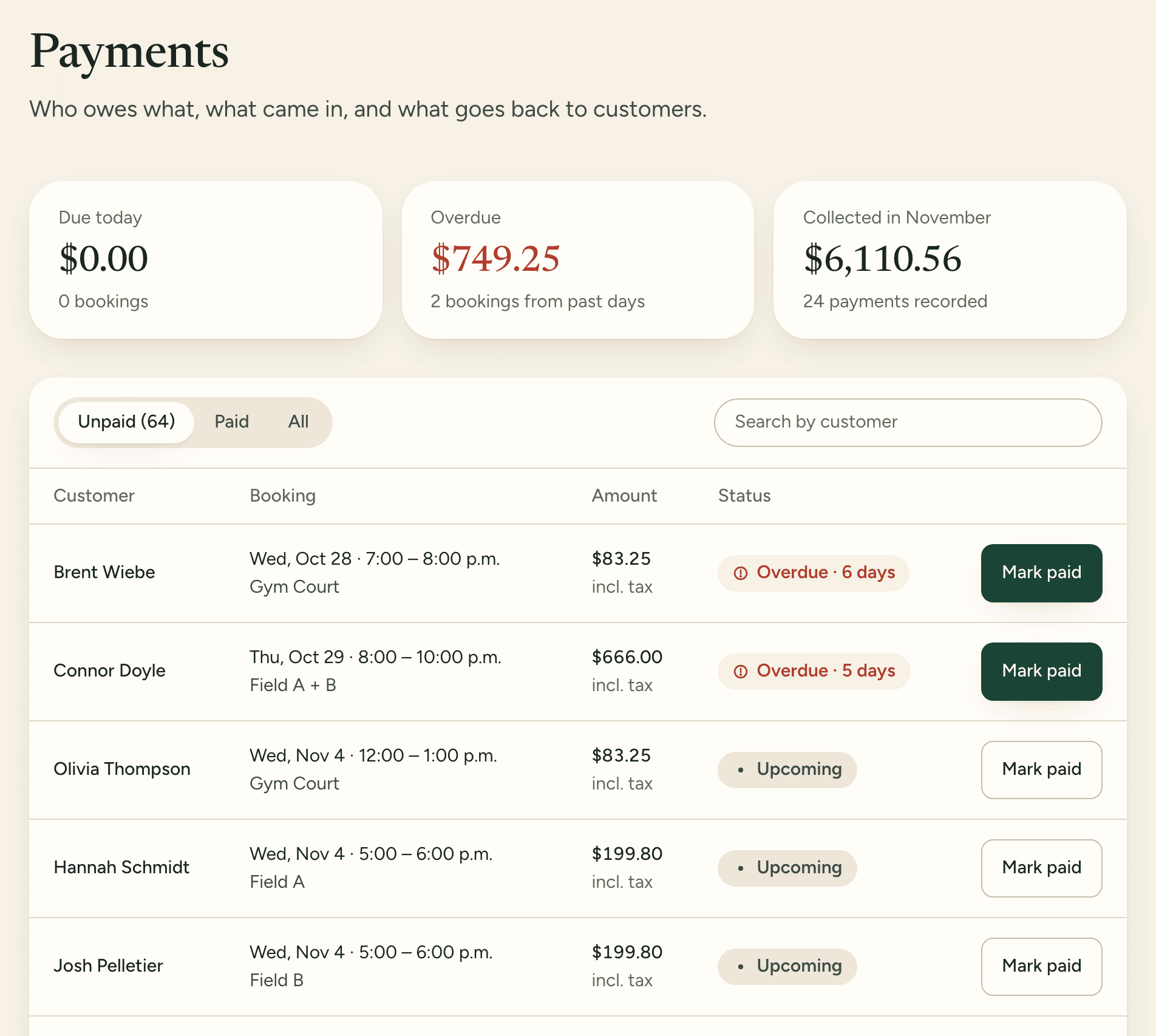
Customers pay at the facility, by Interac e-Transfer, or by card when they book, into your facility's own Stripe account. Payments shows who still owes what.
Choose a space and a time on a real facility's booking page to see what your customers see. Nothing gets booked.
Open the demo booking page