 LocalRec
Choose how customers pay
Pick one way for your facility. Customers pay at the facility, send an Interac e-Transfer for the amount upfront you set, or pay by card when they book.
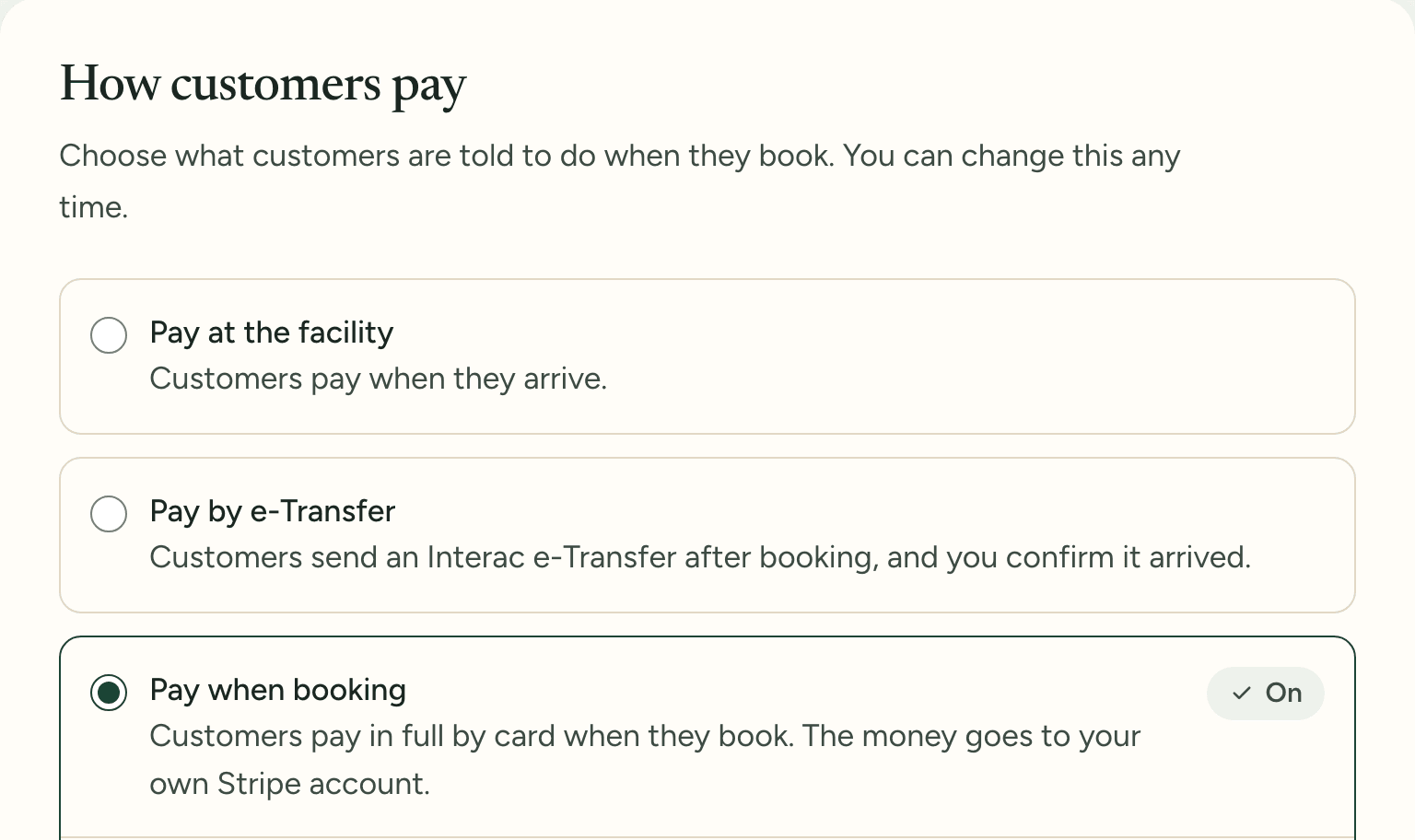
Choose how customers pay, take card when they book, and see who still owes what.
Pick one way for your facility. Customers pay at the facility, send an Interac e-Transfer for the amount upfront you set, or pay by card when they book.
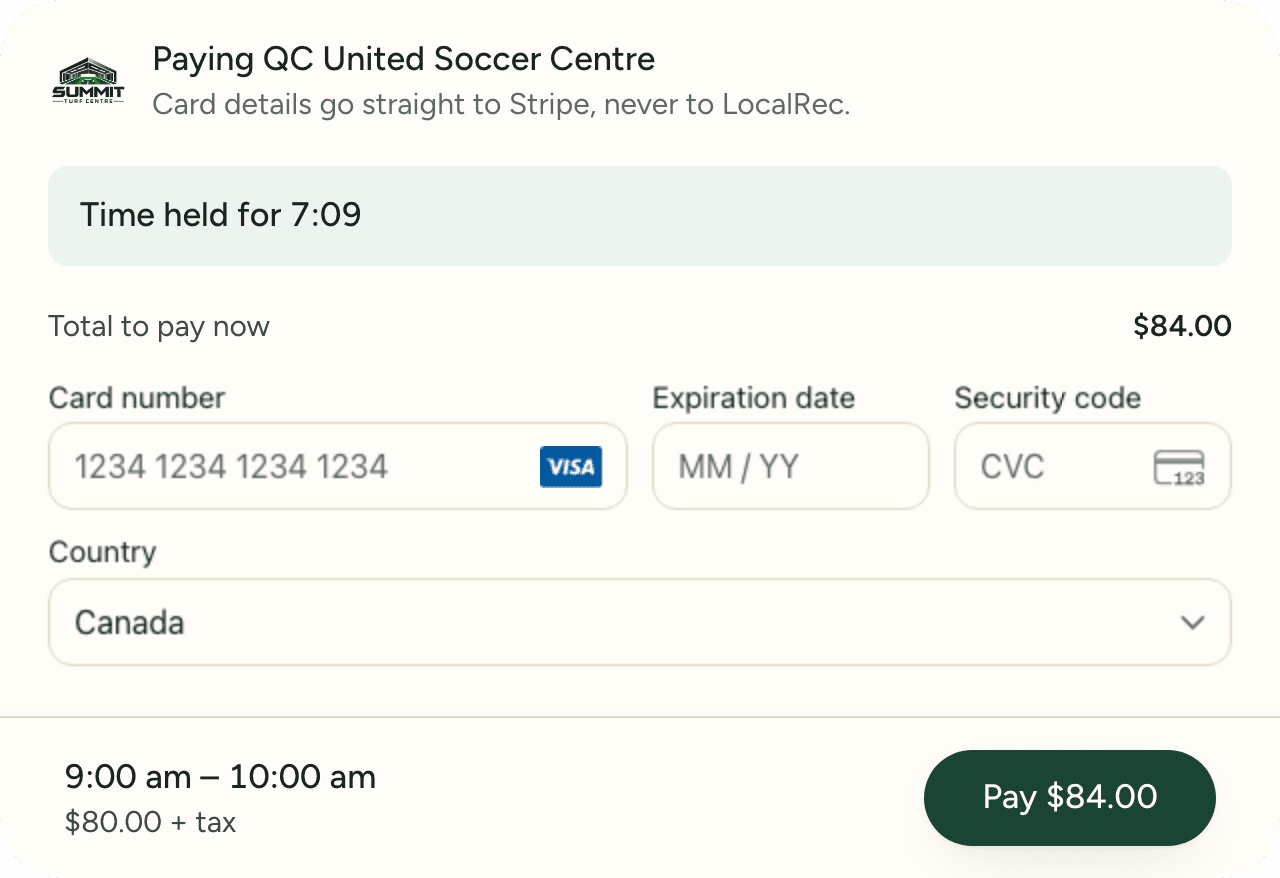
Customers pay on your booking page, and the money goes straight to your own Stripe account. Apple Pay and Google Pay work too, refunds go back to the card, and LocalRec takes no commission.
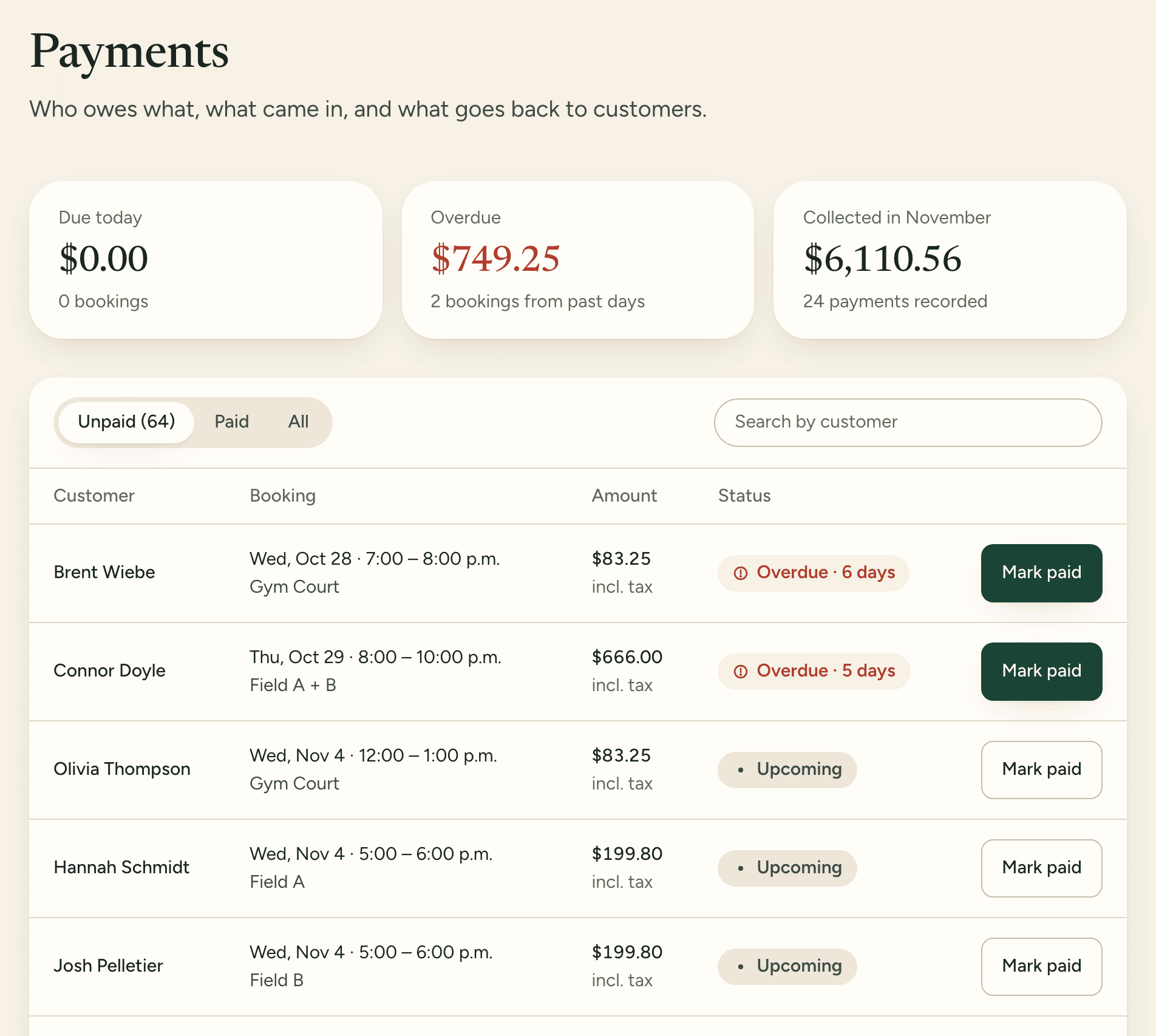
Payments shows what's due today, what's overdue and what came in this month. When someone pays at the desk, mark the booking paid as cash, card on your own terminal, e-Transfer or something else.
Book a demo and one of our team will add your spaces, rates and memberships with you, so your booking page can go live this week.